
Custom Date Picker
Filter your eBay traffic and sales stats by any date range you want. Presets for common windows, plus a full custom picker when you need to drill into a specific period.
Quick Presets, Zero Clicks Wasted
One-click buttons for 7 days, 30 days, 90 days, and year-to-date. These are the ranges you actually use. No dropdown menus, no calendar pop-ups — just hit the button and your stats update.
Most sellers check the same few windows over and over. CardLuma puts them front and center instead of burying them in a settings panel.
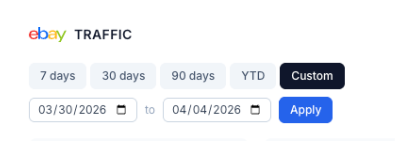
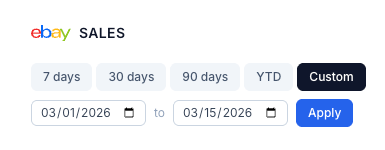
Custom Ranges for the Questions That Matter
Need to see how a specific show weekend performed? Want to compare the two weeks before and after a price change? Pick any start and end date and hit Apply.
Works across both traffic and sales views, so you can line up the same date range and see the full picture — impressions, page views, click-through, and actual sales for any period you choose.
Preset Ranges
7 days, 30 days, 90 days, and year-to-date with a single click. No hunting through menus.
Any Date Range
Pick exact start and end dates for custom analysis. Compare show weekends, promotions, or seasonal trends.
Traffic & Sales
Same date controls across both views. Line up traffic and sales data for the same period side by side.
Ready to List Smarter?
Start scanning and listing cards in minutes. No credit card required.
Sign Up for Your Free Trial