
eBay Dashboard Stats
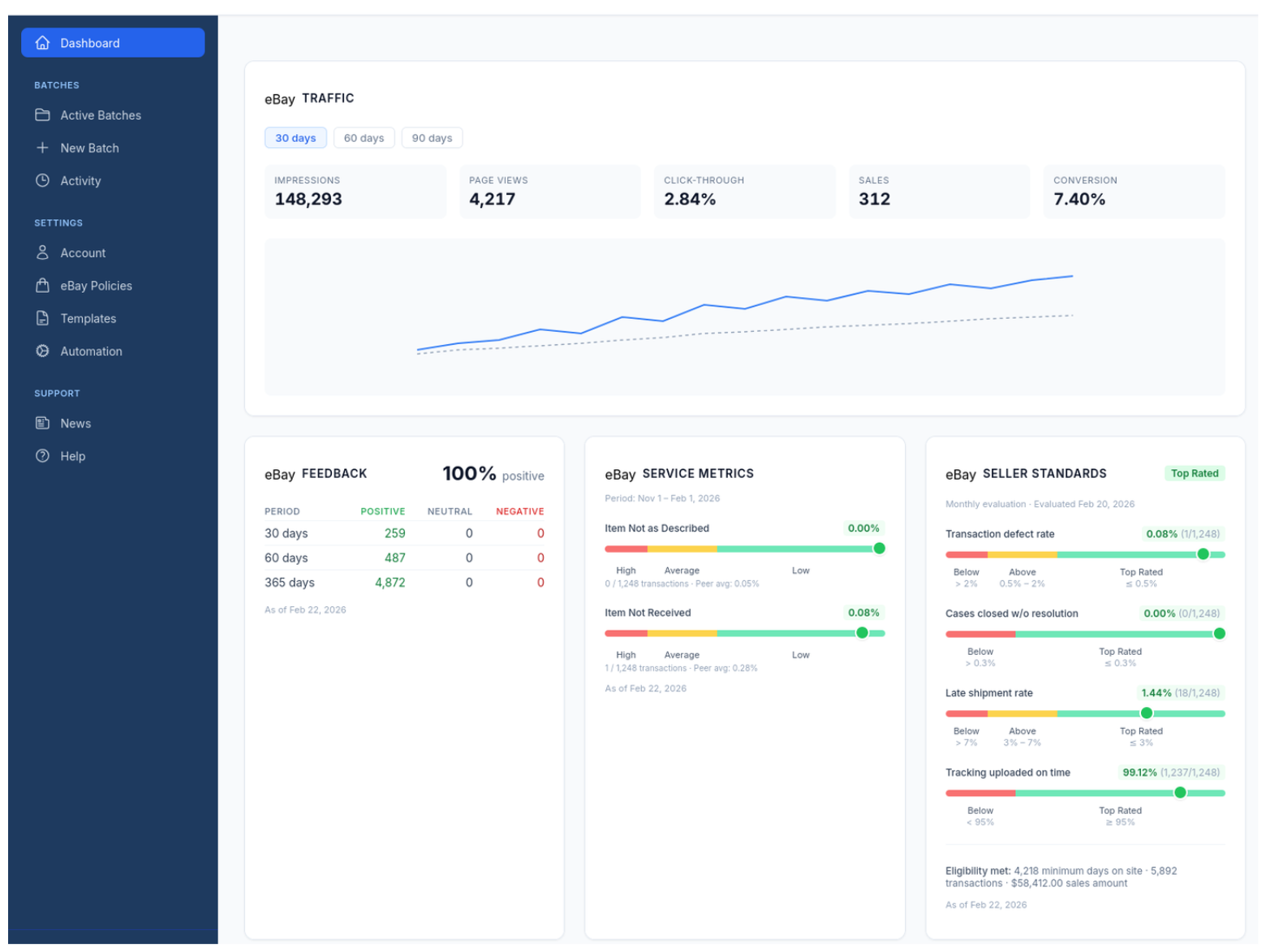
Your eBay traffic, feedback, service metrics, and seller standards — all on one screen. Filter by 7 days, 30 days, 90 days, YTD, or any custom date range. No navigating to three different eBay pages to figure out how your store is doing.
Not Vanity Metrics
Your INAD rate creeping up means you might have a grading consistency problem. A drop in impressions means something changed with your listings or eBay’s algorithm. Late shipment rate climbing? You’re going to lose Top Rated status if you don’t catch it.
The point is seeing these things before they become actual problems, not after eBay sends you a warning.
Everything on One Screen
Impressions, page views, click-through rate, sales, and conversion — with 30, 60, and 90-day views. Feedback breakdown by period. Service metrics with peer averages. Seller standards with Top Rated thresholds.
It’s just there when you log in. No clicking around eBay’s seller hub trying to find the page that moved again last month.
Quick Presets, Zero Clicks Wasted
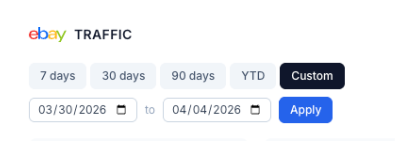
One-click buttons for 7 days, 30 days, 90 days, and year-to-date. These are the ranges you actually use. No dropdown menus, no calendar pop-ups — just hit the button and your stats update.
Most sellers check the same few windows over and over. CardLuma puts them front and center instead of burying them in a settings panel.
Custom Ranges for the Questions That Matter
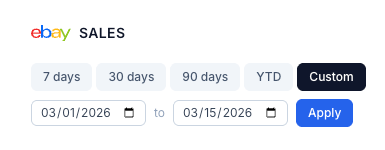
Need to see how a specific show weekend performed? Want to compare the two weeks before and after a price change? Pick any start and end date and hit Apply.
Works across both traffic and sales views, so you can line up the same date range and see the full picture — impressions, page views, click-through, and actual sales for any period you choose.
Complete listings, without the cleanup.
Turn scans into eBay-ready listings with the specifics buyers filter on, then reuse clean card data in Whatnot workflows.