
eBay Store Policy Sync
Your eBay policies already exist. You already set up your shipping, returns, and payment rules over there. CardLuma just pulls them in so you’re not re-entering the same information in two places. Hit sync, pick your defaults, done.
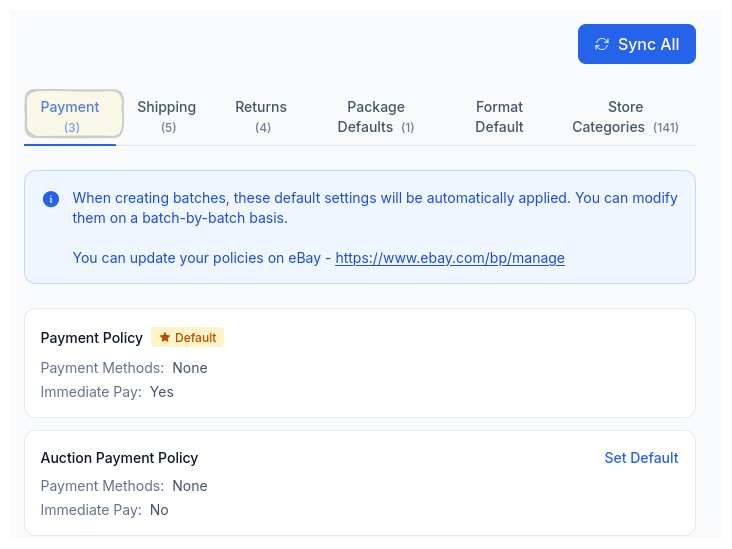
Payment Policies
Synced from eBay. Pick your default, done.
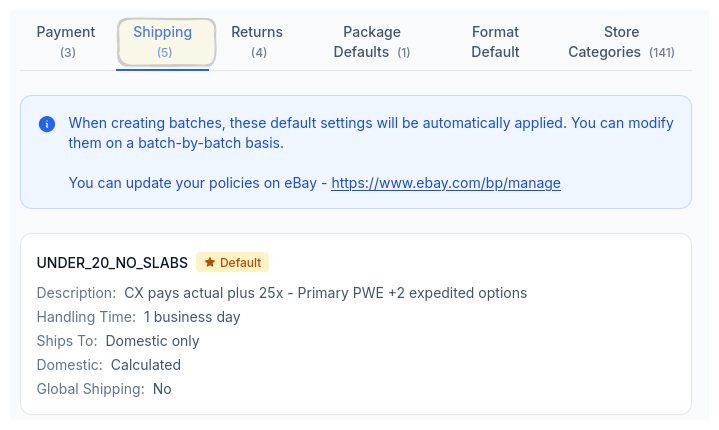
Shipping Policies
All your shipping profiles, ready to assign.
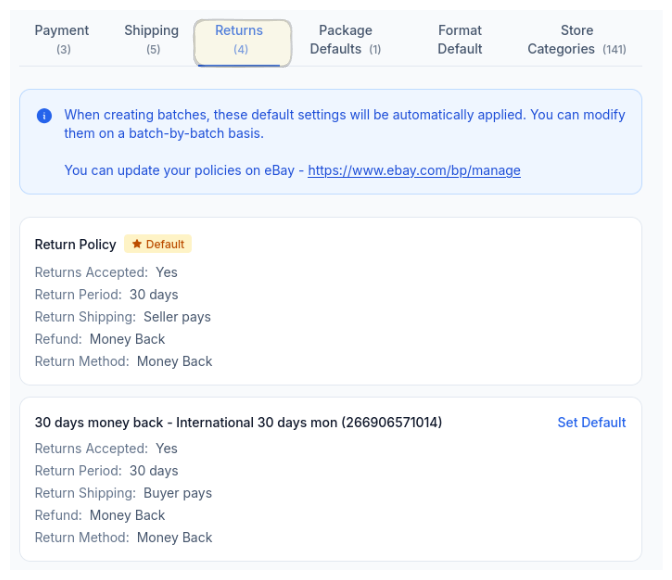
Return Policies
Return windows and terms, synced exactly.
Defaults That Stick
Every batch you create inherits your defaults automatically. Same shipping profile, same return policy, same payment terms. You’re not accidentally listing 50 cards with the wrong return window because you forgot to check a dropdown.
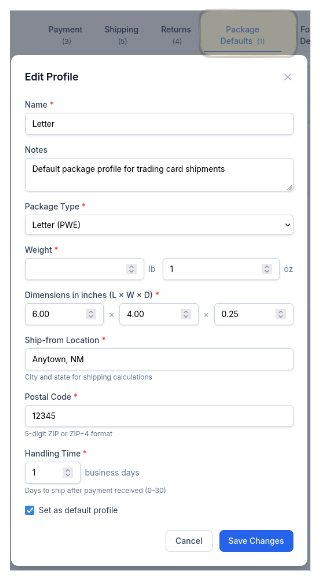
And if you need to override something for a specific batch — maybe a different shipping profile for slabs versus raw cards — you can. But the defaults handle the 90% case without you thinking about it.
Complete listings, without the cleanup.
Turn scans into eBay-ready listings with the specifics buyers filter on, then reuse clean card data in Whatnot workflows.