
Upload card images from your phone and keep listing.
The best camera in the room is already in your pocket. Your cards are on the table and your phone is in your hand — so why route photos through a desktop file dialog? Scan a QR code, shoot the cards with your phone, and the images drop straight into your CardLuma batch.
Scan, Shoot, Done
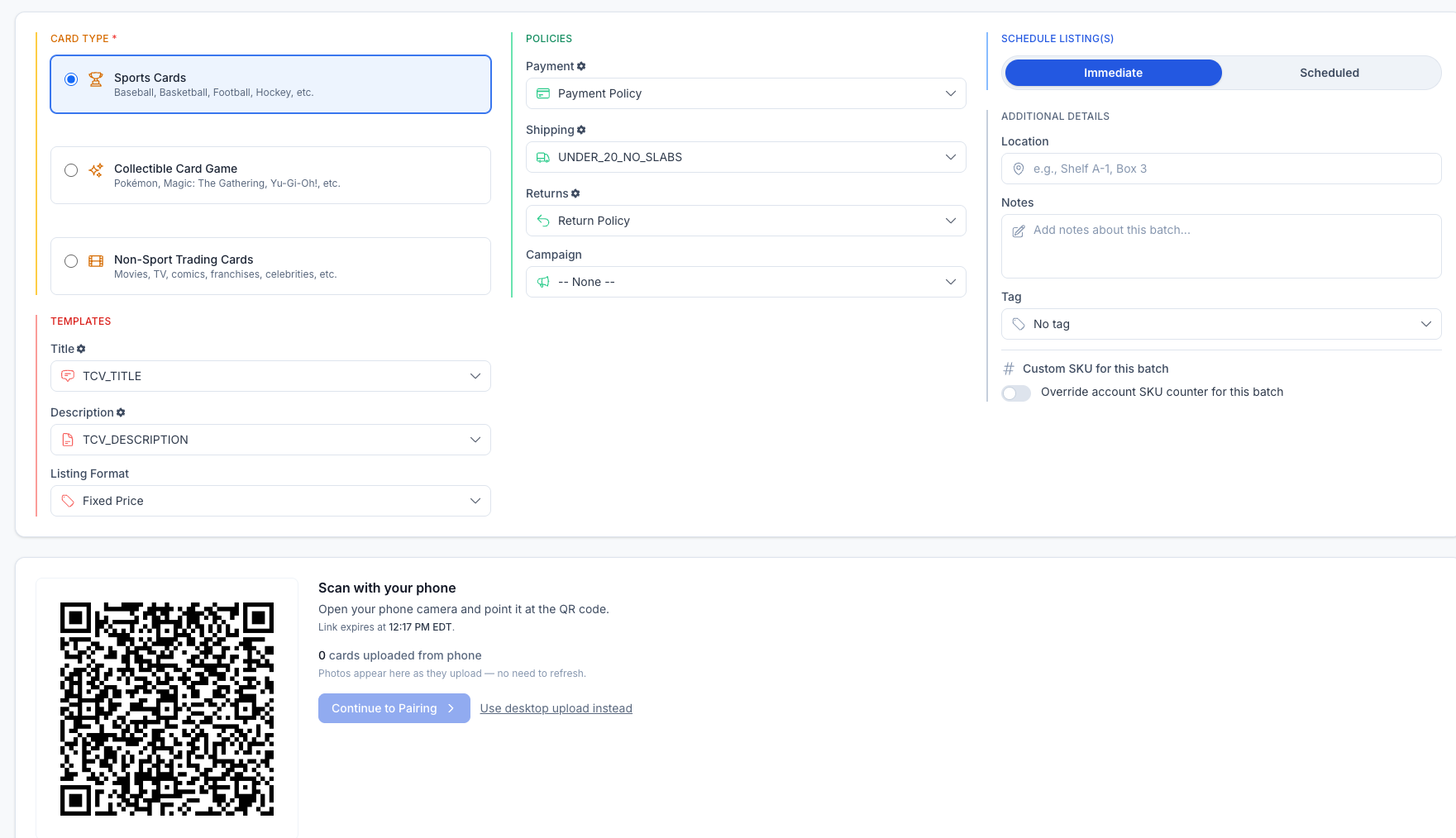
When you start a batch, CardLuma shows a QR code right on the upload screen. Open your phone camera, point it at the code, and you land on a mobile capture page paired to that exact batch. Snap the cards — they stream in live, no refresh needed. The desktop counter ticks up as each photo lands: 0 cards uploaded… 4 cards uploaded…
No emailing photos to yourself. No cables, no card reader, no juggling files between devices. The QR link is single-use and time-limited, so it pairs your phone to the batch and then expires — nobody else can drop images into your session.
Prefer the desktop? It’s still one click away. Mobile upload is there for the times your phone is the fastest path from card to listing — which, on a kitchen table covered in singles, is most of them.
Click image to view full size
Complete listings, without the cleanup.
Turn scans into eBay-ready listings with the specifics buyers filter on, then reuse clean card data in Whatnot workflows.